How to mount a TV on drywall: studs, anchors and weight
Mounting a TV on drywall: add up the TV and mount weight, find the metal profiles, check for cables, and read anchor…

See inside your walls before you drill.

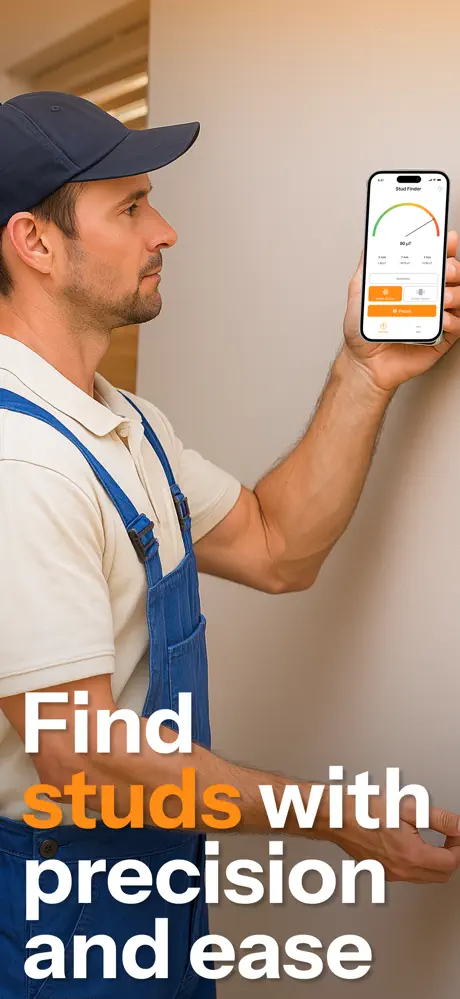
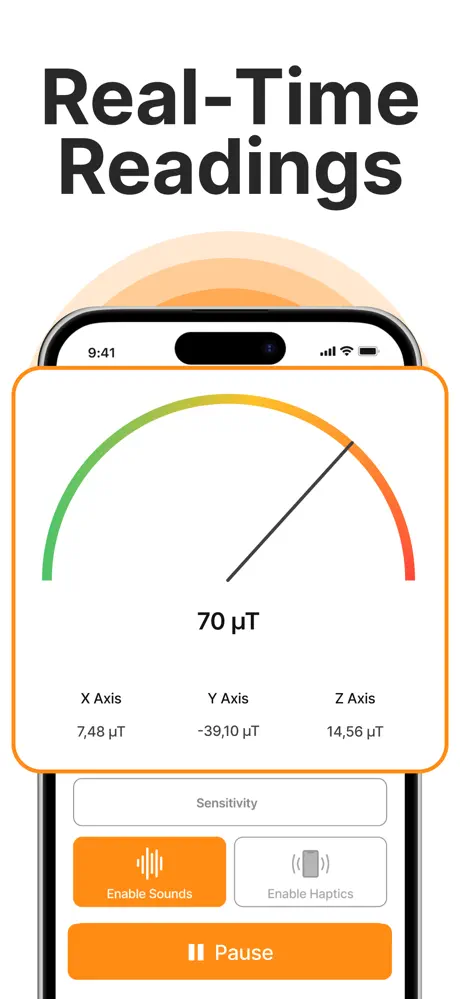

Stud Finder WallScan helps you locate studs, wood and metal hidden behind drywall, so you drill with confidence instead of guessing. Move your phone across the wall and let the sensor do the finding.
Find a stud or metal profile before you drill, so heavy screws go into something solid instead of bare drywall.
Mark the line of fasteners along a wall to plan where wall cabinets, mirrors and frames can go.
In walls built on steel profiles, common in apartments and offices, the profile itself gives a strong signal.
See where screws and profiles sit before you cut or drill into a wall.
| Stud Finder WallScan | Electronic stud finder | Magnet | Knocking | |
|---|---|---|---|---|
| Finds metal studs and profiles | Yes | Yes | Yes | Hard to tell |
| Finds wooden studs | Through their screws | Yes, by density | Through their screws | Roughly, by sound |
| Extra tool needed | No | Yes | Yes | No |
| Live reading | Yes | Yes | No | No |
A phone's magnetic sensor can't see wood, copper, plastic or live wires. Check near sockets and switches before you drill.
It uses the magnetic sensor (magnetometer) already built into your iPhone. Drywall is fixed to studs and metal profiles with steel screws and nails, so as you slide the phone slowly across the wall, the reading rises over each fastener. A vertical line of those spots marks the stud. No extra hardware is needed.
Metal studs, metal profiles and steel fasteners give the strongest signal. Wooden studs are found through the screws and nails that hold the board to them, not through the wood itself. Copper, aluminium and plastic pipes aren't magnetic, so a phone can miss them — before drilling near sockets, switches or plumbing, run the checks in our guide to finding pipes and wires behind a wall.
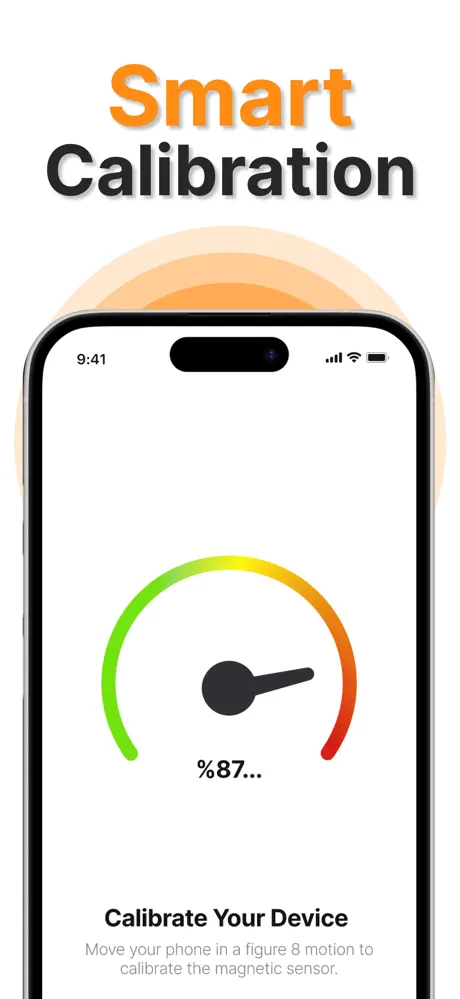
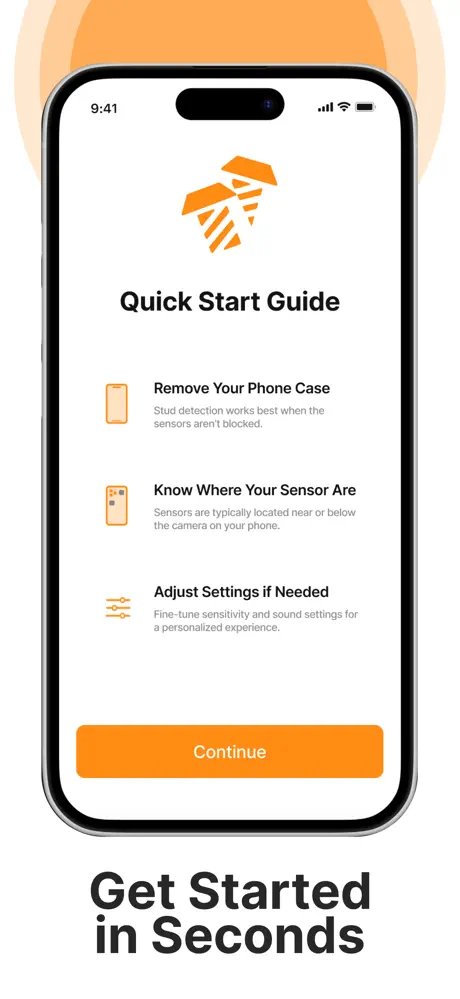
Take the phone out of its case and calibrate it with the in-app Quick Start Guide, which also shows where the sensor sits in your phone. Keep that part flat against the wall and sweep slowly sideways. Watch the live reading (or turn on alerts), pencil-mark each peak, then confirm with a second pass about 30 cm (12 in) higher. Studs usually repeat every 40 cm (16 in), sometimes 60 cm (24 in).
A magnetic sensor reacts to anything magnetic, not just screws: electrical boxes, metal brackets, magnets and speakers all move the reading. Keep the phone away from other metal objects while you scan, and trust peaks that repeat in a vertical line rather than a single spike.
Stud Finder WallScan is free to download on the App Store for iPhone (iOS 15 or later). Using it requires a subscription, and a free trial is available. The subscription renews automatically unless you turn it off in your App Store account settings at least 24 hours before the period ends. There is no Android version yet.
The privacy details on its App Store listing show exactly what the app collects. Our privacy policy explains how that data is used and how to request deletion.
 App Store
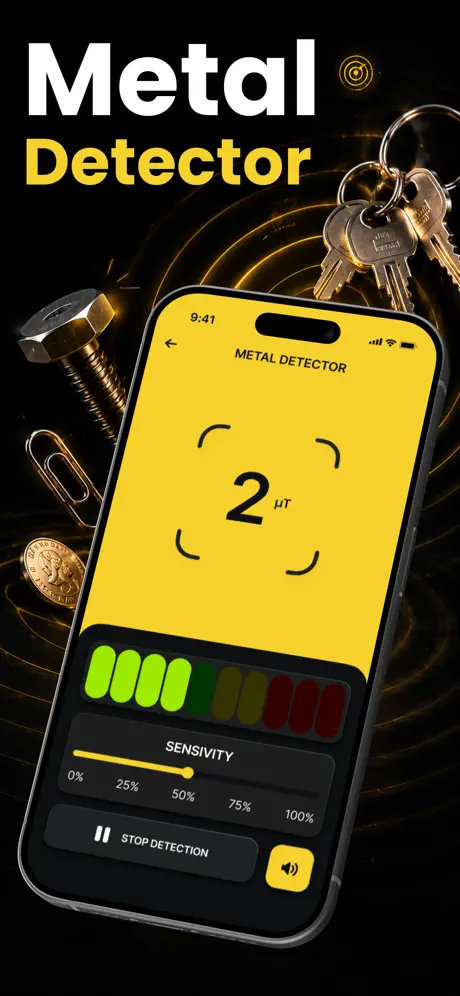
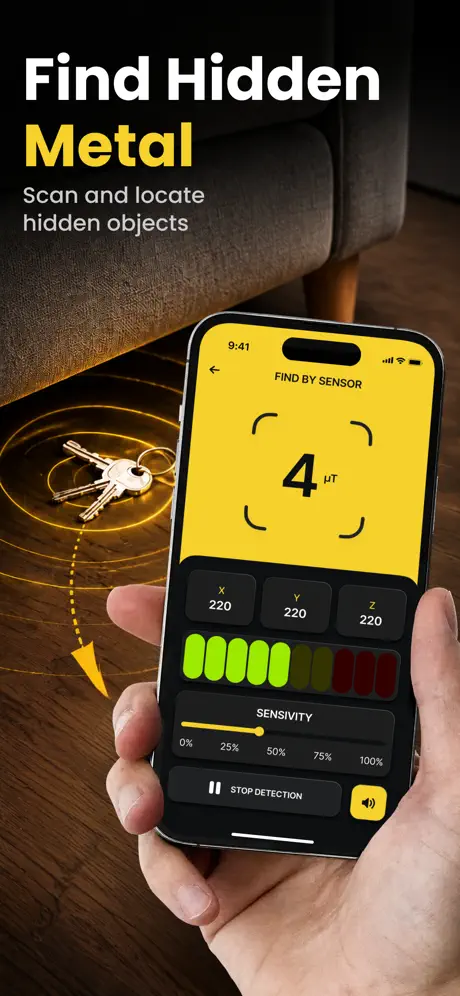
Your pocket metal detector for iron and steel.
 App Store
See where your signal actually comes from.
 App Store
Push water out of your phone speaker.