Signal strength (dBm) checker
Enter the RSRP value your phone shows to see how strong your 4G or 5G signal really is.

See where your signal actually comes from.
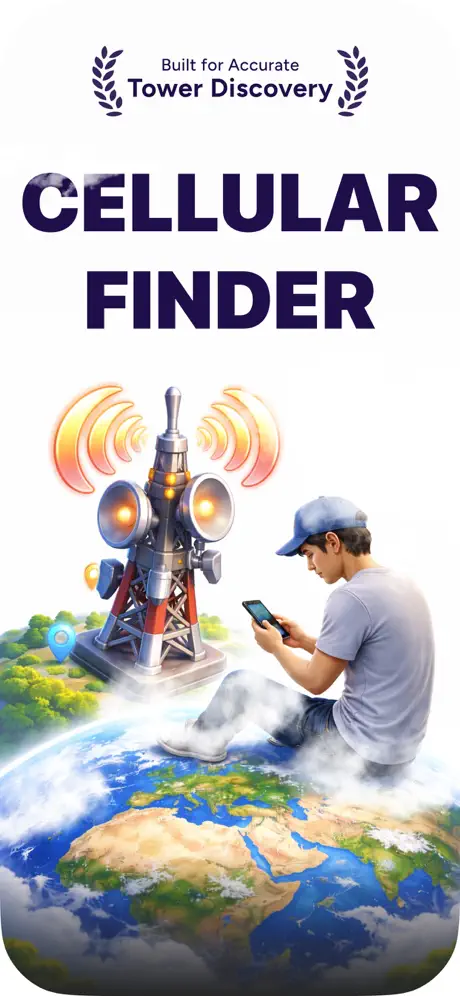
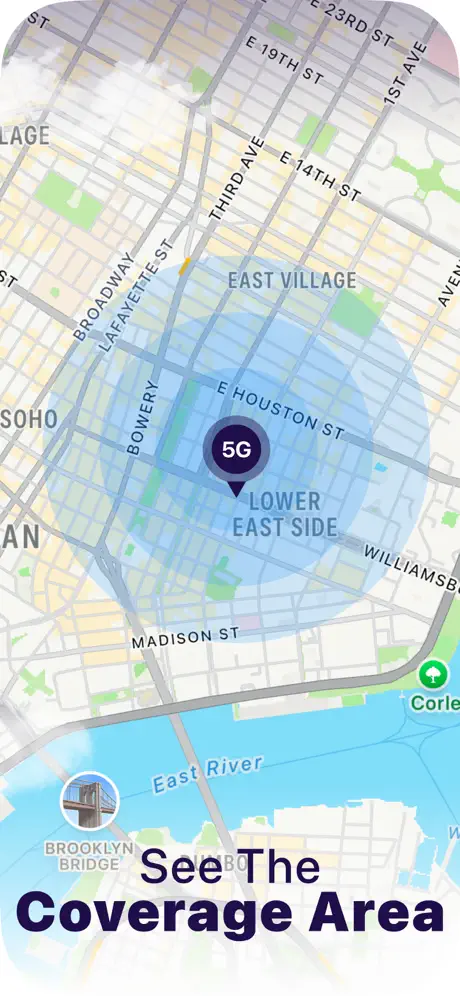
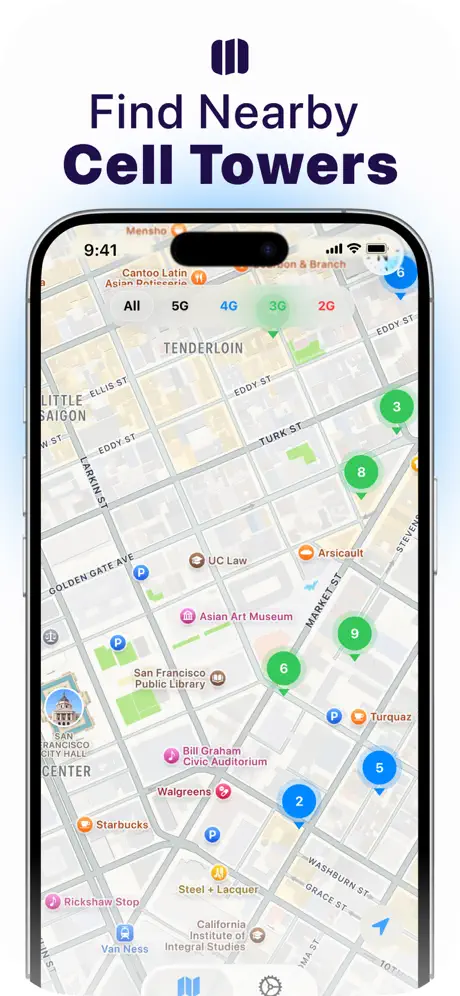
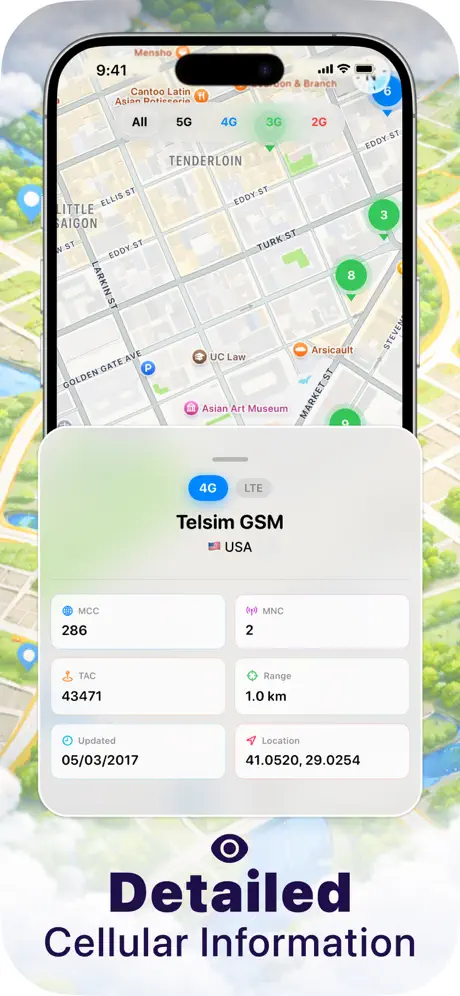
Cell Tower Locator maps the mobile towers around your location, measures your real download, upload and latency, and visualises how coverage changes around you — so you can find the right spot at home or compare networks while you travel.
See where the nearest towers are and test the connection in different rooms.
Run a speed test wherever you are to see real download, upload and latency.
The coverage view shows estimated signal reach and likely weak spots around you.
Test the connection at a new flat, office or holiday rental before you rely on it.
Cell towers around your current location on an interactive map, so you can see where your signal is likely coming from and how far away the towers are.
Your current cellular download speed, upload speed and latency, which is the delay before data starts to arrive.
Walls, metal-coated glass, basements and distance from the tower all weaken mobile signal. Testing near a window or on a higher floor often gives better results.
It's free to download on the App Store for iPhone (iOS 17 or later); some features need a subscription. There's no Android version yet.
The privacy details on its store listing show exactly what the app collects. Our privacy policy explains how that data is used and how to request deletion.
 App Store
Push water out of your phone speaker.
 App Store
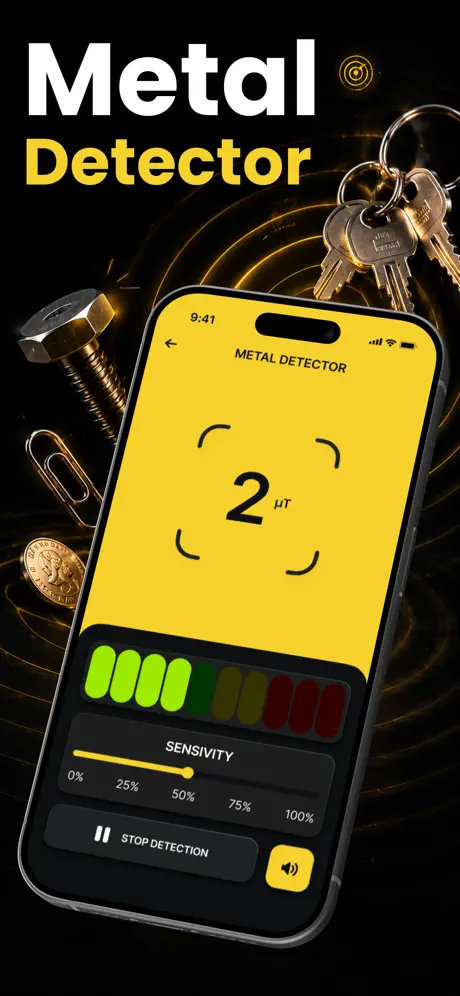
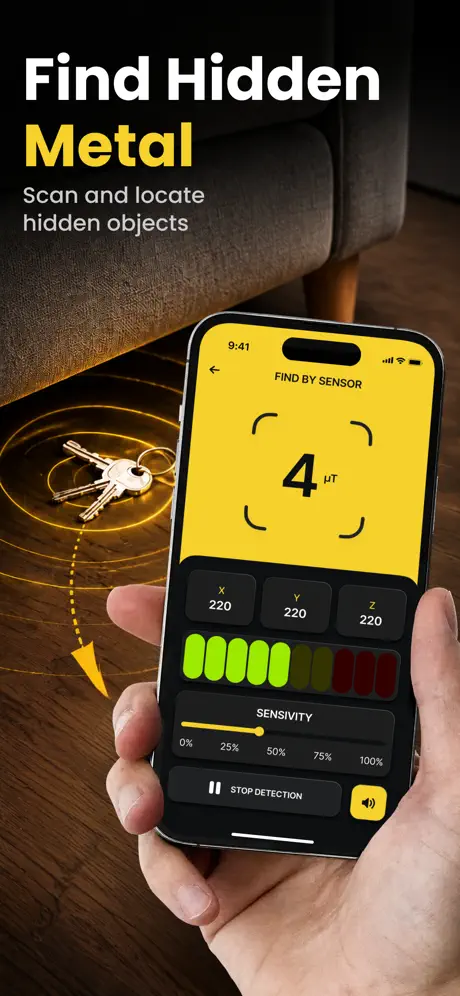
Your pocket metal detector for iron and steel.
 App Store
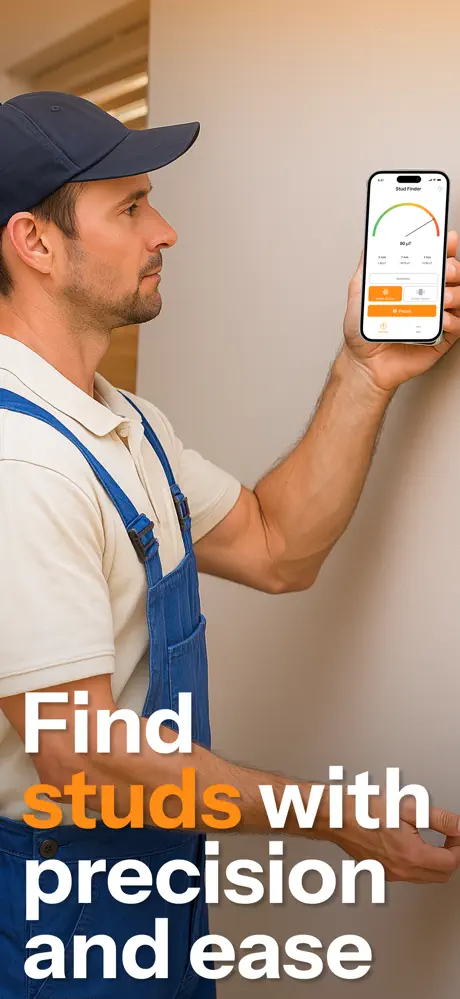
See inside your walls before you drill.