Water eject sound
Got water in your phone speaker? Play this low tone at full volume with the speaker facing down.

Push water out of your phone speaker.
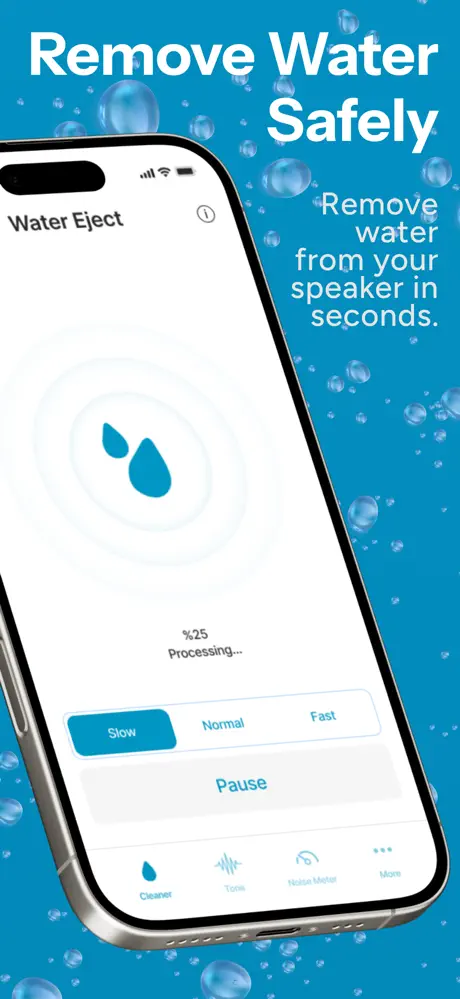
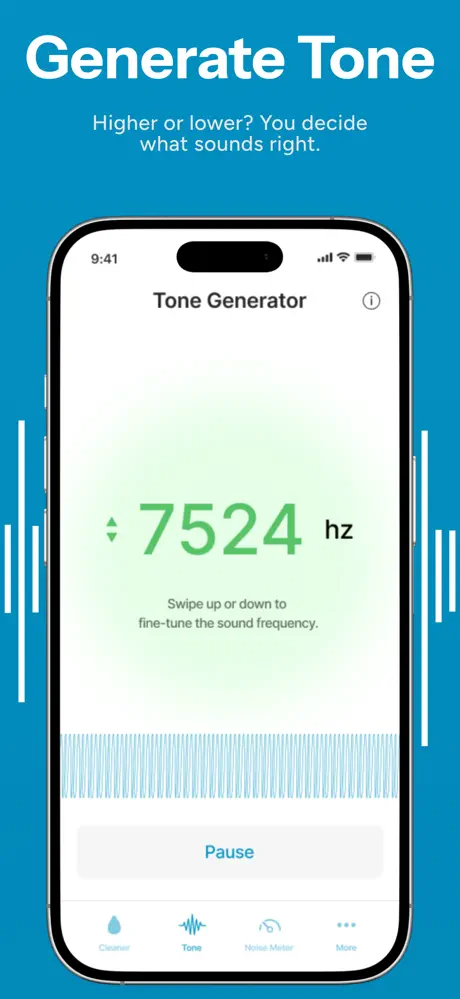
Speaker Cleaner plays low tones that vibrate trapped water out of your iPhone's speakers, with slow, medium and fast modes. A built-in tone generator lets you test the speaker afterwards. A quick fix after the pool, the rain or a spill.
Muffled sound right after water contact usually means droplets are sitting in the speaker grille.
Slow, medium and fast eject modes let you start gently and step up for stubborn water.
The tone generator plays any frequency you pick on a slider, so you can check the speaker sounds clean again.
| Speaker Cleaner | Free browser tone | Rice | Hair dryer | |
|---|---|---|---|---|
| Pushes water out of the grille | Yes | Yes | No | No |
| Adjustable strength | 3 modes | Tone or sweep | – | – |
| Recommended | Yes | Yes | No | No, heat can damage the phone |
Sound only helps with water in the speaker grille. If the phone shows a liquid warning or the sound stays distorted, let it dry fully and have it checked.
It plays low tones that make the speaker membrane vibrate in long strokes, which pushes water droplets out of the grille. Slow, medium and fast modes let you choose how strong the cycle is.
It has a tone generator: pick any frequency on a slider, from low bass to high pitch, to test your speaker or experiment with sound.
It's free to download on the App Store for iPhone (iOS 15.6 or later). Using it requires a subscription, and a free trial is available. The subscription renews automatically unless you turn it off in your App Store account settings at least 24 hours before the period ends.
No. Sound only helps with water sitting in the speaker grille. If your phone shows a liquid warning or the sound stays distorted, let it dry fully and have it checked.
Not yet. On any phone you can also try our free water eject sound, which runs in the browser.
The privacy details on its App Store listing show exactly what the app collects. Our privacy policy explains how that data is used and how to request deletion.
 App Store
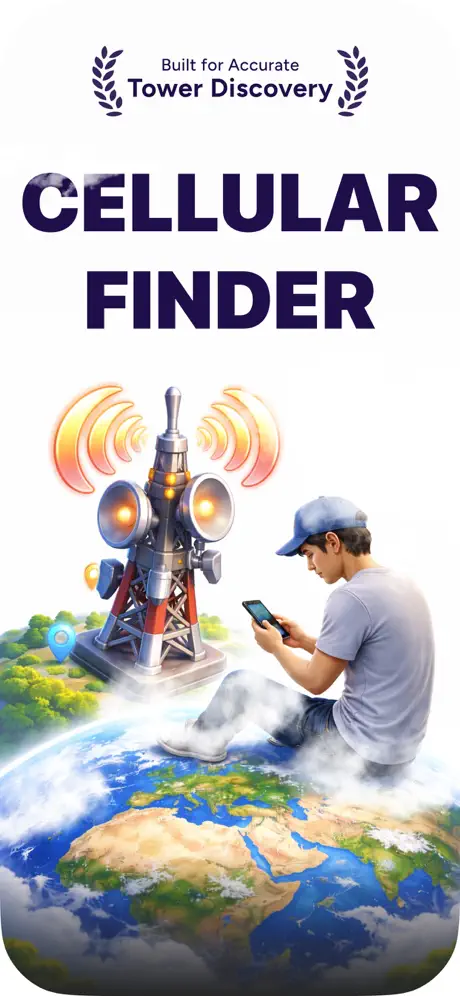
See where your signal actually comes from.
 App Store
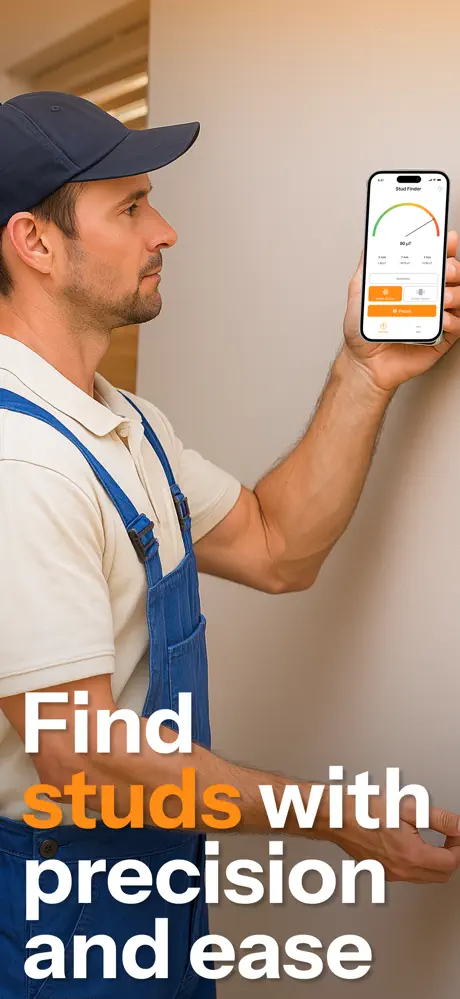
See inside your walls before you drill.
 App Store
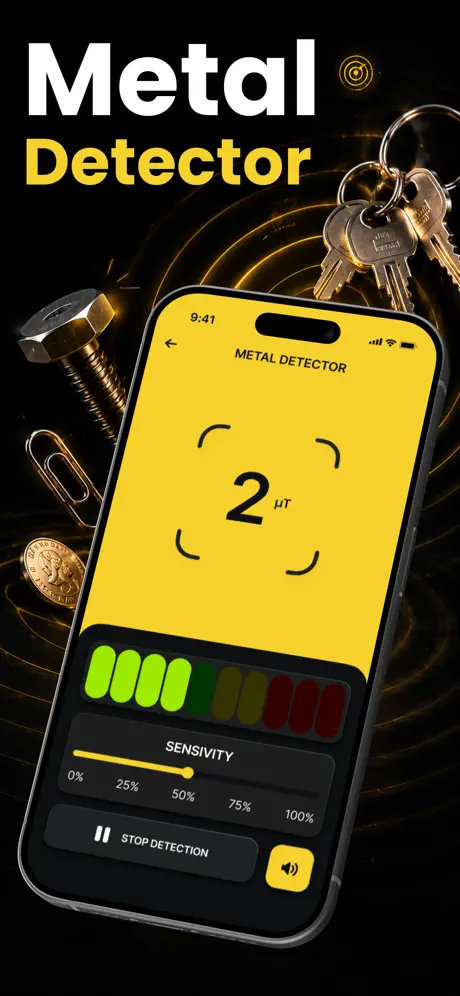
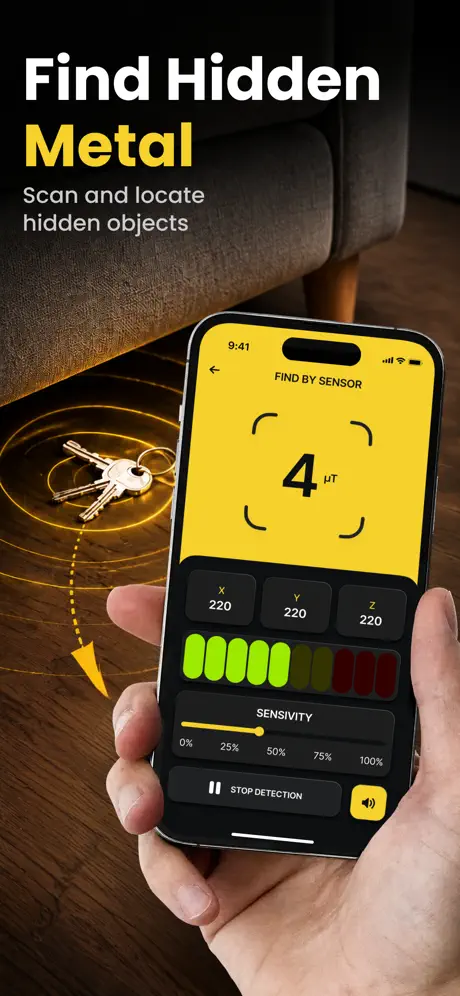
Your pocket metal detector for iron and steel.