Can You Detect Gold Using Your Phone? What Apps Really Find
Metal detector apps read your phone's compass sensor, which reacts to iron and steel, not gold.
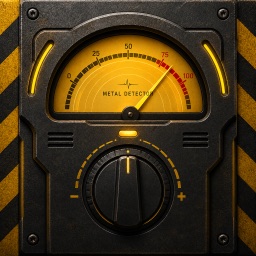
Your pocket metal detector for iron and steel.
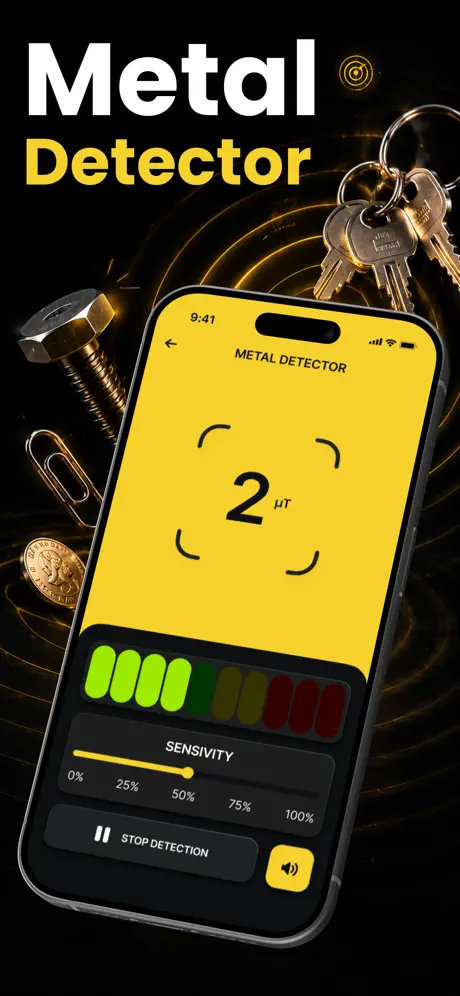
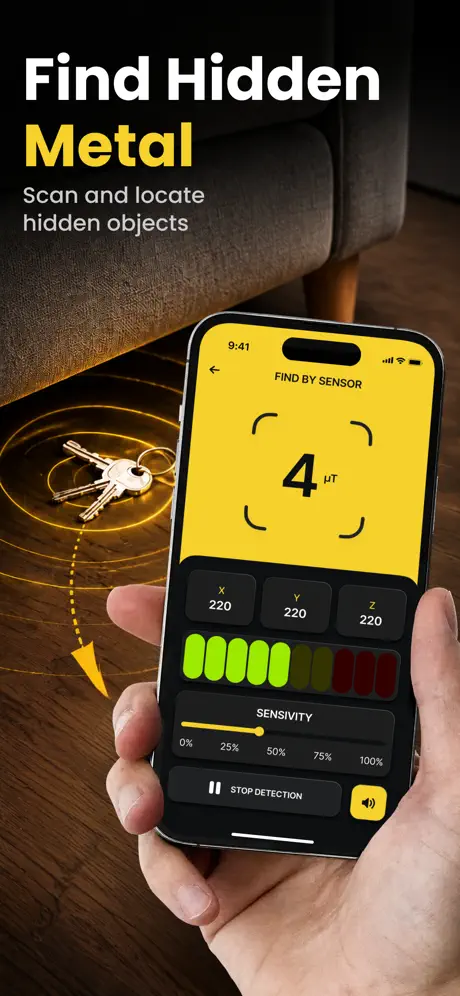
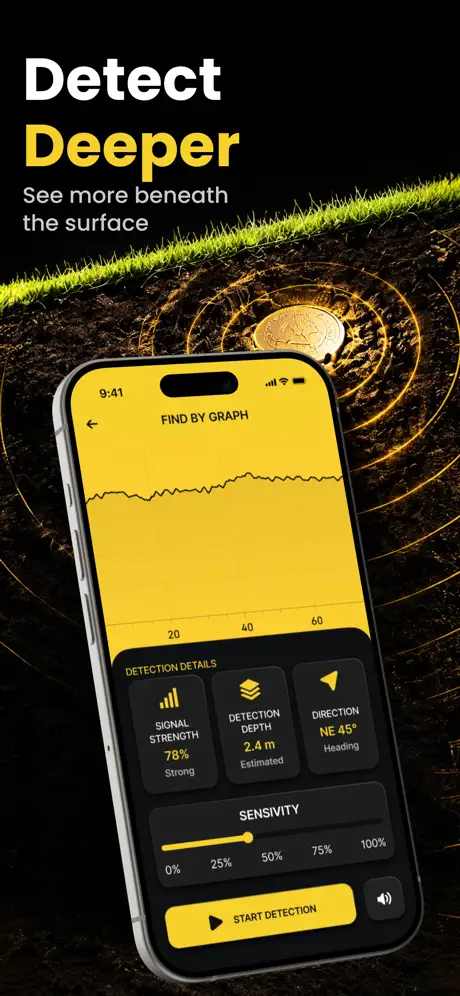
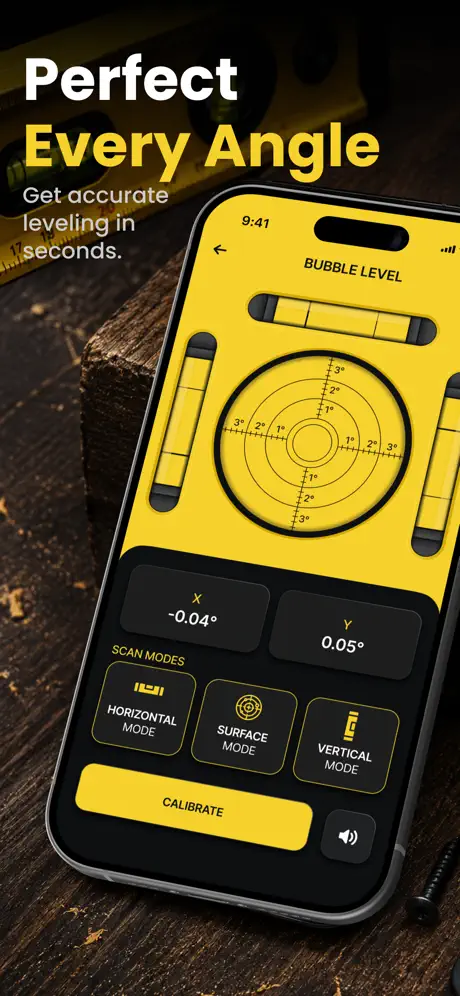
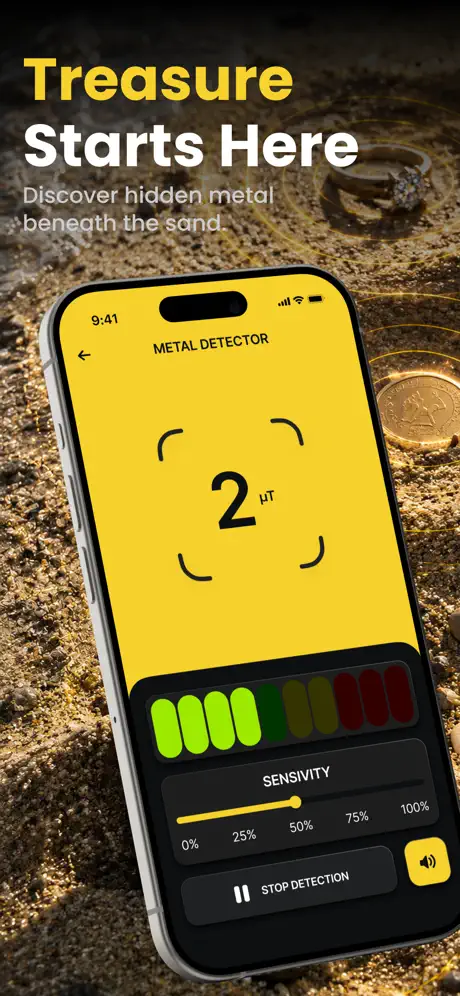
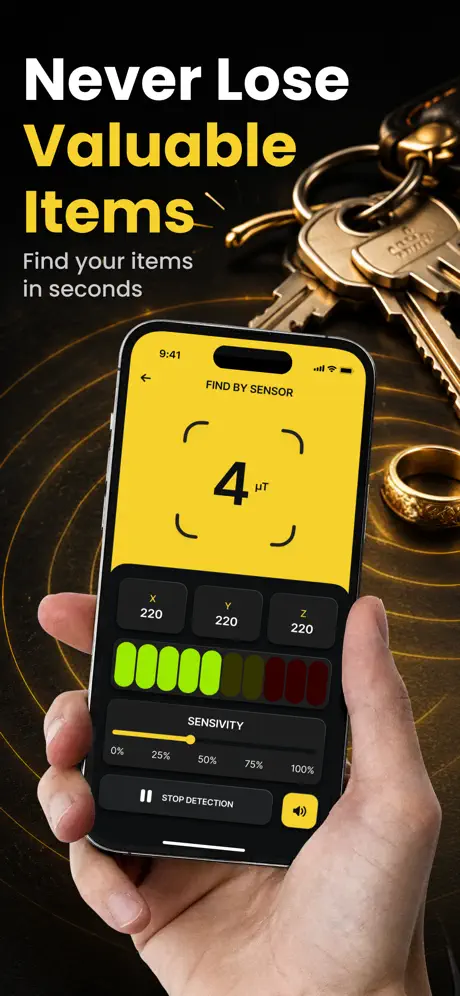
Metal Detector turns your iPhone's built-in magnetometer into a handy detector for iron and steel. Sweep it over walls, soil or sand and watch the reading rise the moment a nail, screw or steel part is near.
Find fasteners and steel parts before you drill or hang something.
Sweep the floor, sand or soil for bolts, small tools and other iron or steel objects.
Trace steel pipes or reinforcement bars close to the surface.
The live gauge shows the magnetic field changing as you move the phone.
| Detects it? | Why | |
|---|---|---|
| Iron and steel: nails, screws, rebar, tools | Yes | They bend the magnetic field the phone's sensor measures. |
| Magnets | Yes, strongly | They have their own magnetic field. |
| Gold, silver, copper, aluminium | Little or no signal | They aren't magnetic, so the sensor barely reacts. |
| Objects buried deep | No | The signal fades quickly with distance. |
For gold or treasure hunting you need a dedicated metal detector. A phone sensor works best for iron and steel close to the surface.
It reads the magnetic sensor (magnetometer) the compass uses. Iron and steel objects bend the magnetic field around them, so the reading rises as you sweep the phone over them.
Not reliably. Gold, silver, copper and aluminium aren't magnetic, so a phone's sensor barely reacts to them. It works best for iron and steel close to the surface; for gold hunting you need a dedicated metal detector.
Only a short distance. The signal fades quickly with distance, so keep the phone close to the surface and sweep slowly.
Electronics, magnets and speakers have magnetic fields of their own. Move away from them and recalibrate before you search.
It's free to download on the App Store for iPhone (iOS 13 or later). Full access requires a subscription, and a free trial is available for new users.
 App Store
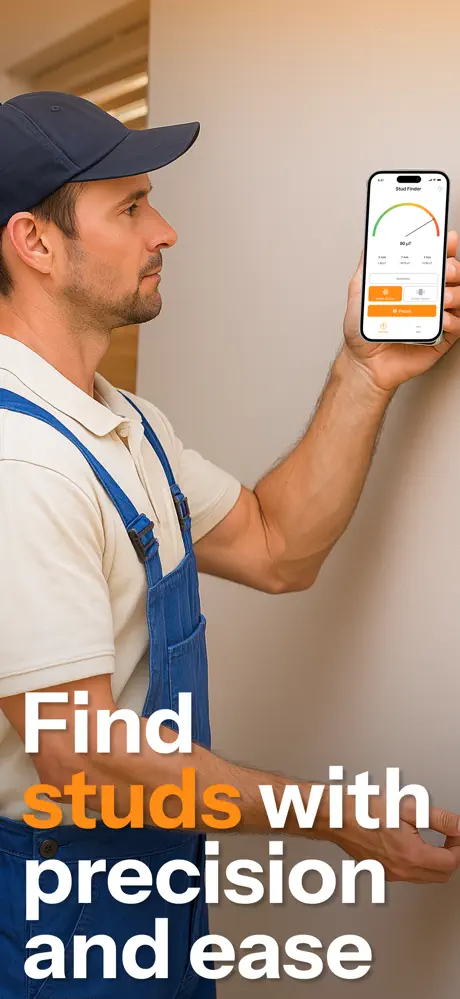
See inside your walls before you drill.
 App Store
See where your signal actually comes from.
 App Store
Push water out of your phone speaker.